Hi, here is a sample segment I made for your safety orientation

Random plant footage,
turned into a clear orientation.

A 35-second sample for a fictional food plant: branded opener, PPE, Pedestrian & Traffic Safety and the separate QR quiz screen. Below it is a sample of what Milestone 1 looks like: a scene-by-scene footage map and a shot-gap list in exactly the format from your post.

1920 × 1080Burned-in captionsISO-style safety signsVoice, music, sound designSeparate QR screenEditable project

The sample segment

Pure motion graphics, so you can see the graphic treatment I would use wherever the existing footage has gaps. In the real video these graphics sit between and on top of your plant footage.

Sound on: calm voiceover, music bed well under the voice, subtle sound effects. Sound off: the captions carry everything.

Scene by scene

Every graphic is timed to the narration, so the visitor sees each rule at the moment it is spoken.

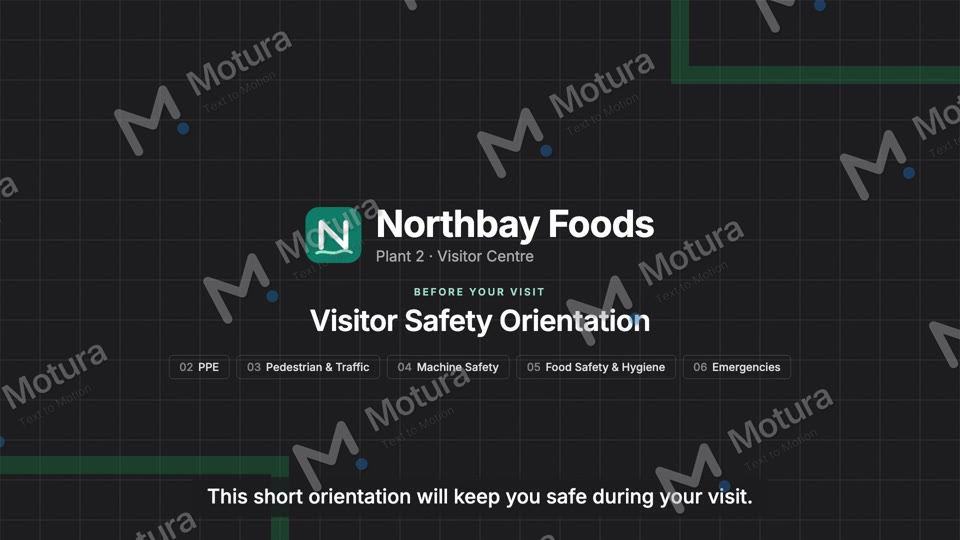
0:00 Opener0:00 Opener

Branded title with the chapter overview, so visitors know what is coming.

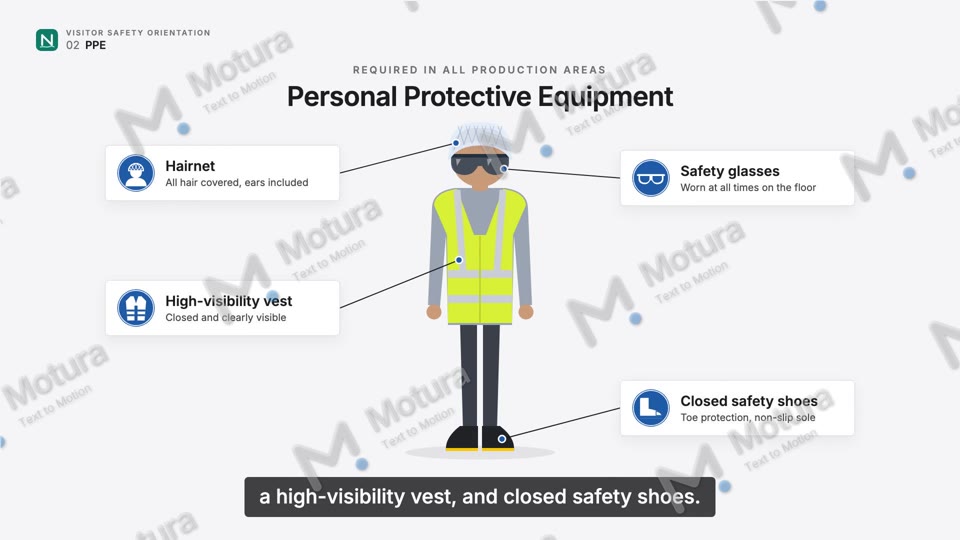
0:08 PPE0:08 PPE

Each item appears on the visitor the moment the voice names it, with an ISO-style sign and a short callout.

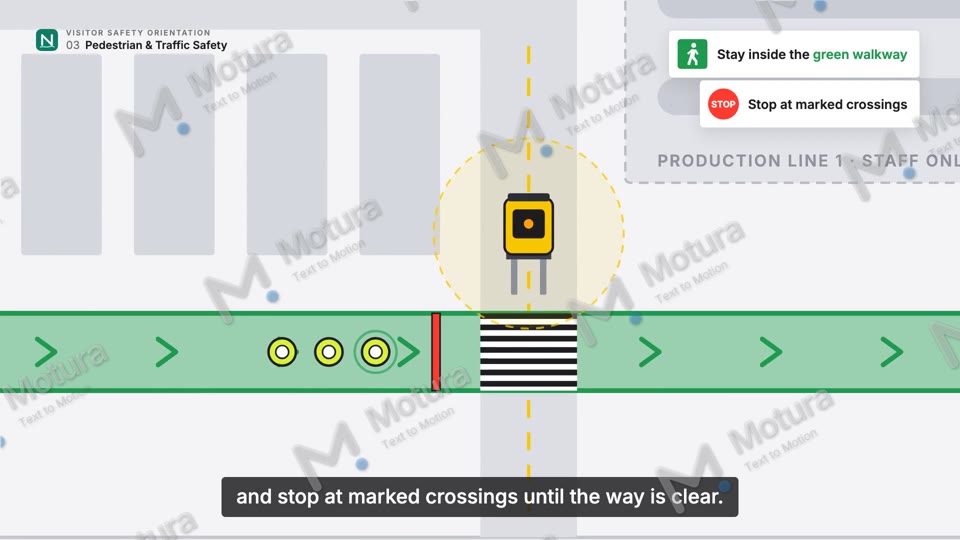
0:18 Pedestrian & Traffic0:18 Pedestrian & Traffic

Top-down plant map: visitors wait at the crossing, the forklift passes with a clear safety zone.

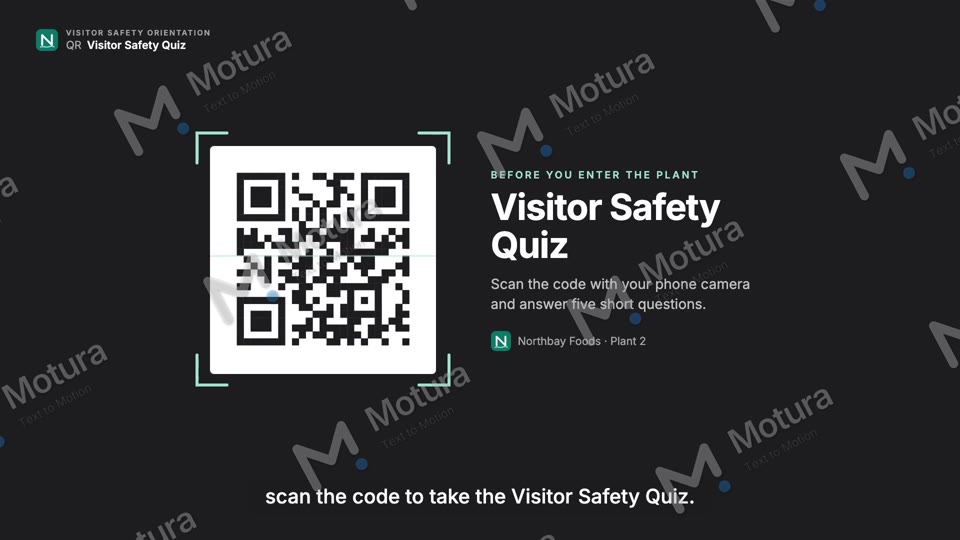
QR screenQR screen

Separate quiz screen, built as its own file so it can run on a lobby screen after the video.

Milestone 1, as a sample

This is how I hand over the review: what we have, what is missing, and where a graphic does the job instead of a new shoot. Plant, clips and timecodes here are made up for the example.

Footage map

Northbay Foods – Plant 2 · Visitor Safety Orientation · Scenes 1–4 of 7 · v1 for QSE review
SceneExisting footageAdditional footageAlternative graphic treatmentDecision
1 · Welcome0:00–0:15Drone/exterior clip of the main gate (IMG_4127, 0:12–0:20), stable, usable.None needed.Branded opener + chapter overview over the exterior clip, colour-matched.Use existing
2 · PPE0:15–0:40Staff putting on hairnets in the locker room (IMG_4301), but one person has no glasses in frame.One clean 6 s shot of a visitor putting on all four items in order.Animated visitor figure with the four items + ISO mandatory signs (as in this sample).Re-shoot 1 shot or animate
3 · Pedestrian & Traffic Safety0:40–1:05Forklift in the warehouse (IMG_4410), shot from the walkway, but a person crosses outside the green lines at 0:07.Visitor group inside the marked walkway, forklift at a safe distance (spec below).Top-down plant map with walkway, crossing and forklift zone (as in this sample). Cut IMG_4410 before 0:07.Trim + new shot
4 · Manufacturing Line & Machine Safety1:05–1:35Line footage (IMG_4522, IMG_4523) is strong, but an operator reaches into the conveyor at 0:14.Visitors watching the line from behind the barrier, wide.Animated "do not touch / stay behind the barrier" callouts over the line footage. Clip IMG_4523 removed (shows reaching in).Partly usable

Shot-gap list for the internal team

Same columns as in your post, so it can go straight to the person filming.
SceneShot requiredActionFramingSuggested durationImportant
Pedestrian & Traffic SafetyVisitors in the marked walkwayTwo or three visitors in full PPE walk inside the green walkway towards camera. Forklift moves in its own aisle in the background.Wide, camera at walkway level6–8 sForklift stays at least the plant's minimum distance away. Nobody steps on the lines.
Pedestrian & Traffic SafetyStop at the crossingGroup stops at the stop line, the forklift passes the crossing, the driver gives the "go" sign, the group crosses.Medium, side-on to the crossing5–8 sReal crossing with floor markings visible. Forklift at walking speed, horn/beacon on.
PPEPutting on PPE in orderOne visitor puts on hairnet, safety glasses, hi-vis vest, then shows the safety shoes.Medium, then a short close-up of the shoes6 sAll hair inside the net. Vest closed. Same order as the script.
Manufacturing Line & Machine SafetyViewing the line from behind the barrierVisitors stand behind the yellow barrier and watch the line running.Wide, from behind the visitors5–6 sHands stay at their sides. No visitor near moving parts, no guards opened.
Food Safety & HygieneHand washing at the entry stationVisitor washes hands at the hygiene station, then uses the sanitiser.Close-up on hands, then medium4–6 sFollow the plant's posted hand-wash steps exactly. No jewellery visible.
Emergency PreparednessAssembly pointCalm walk from the exit door to the assembly point sign, group gathers.Wide, exterior5 sAssembly-point sign readable. Walking, not running.

How the two milestones run

Milestone 1 · Review and plan

  • Watch and log every clip you send, with timecodes.
  • Footage map for all 7 scenes: use, trim, re-shoot or animate.
  • Shot-gap list with exact instructions for your team (format above).
  • Every clip that shows a "never show" situation is flagged and kept out.
  • Creative treatment and a storyboard with the graphic style.

Milestone 2 · Edit and deliver

  • About 3 minutes, cut to your script and scene timings.
  • Motion graphics, safety icons, callouts, on-screen text, transitions.
  • Voiceover, music, sound design, colour correction, audio mix.
  • Captioned version, opening/thumbnail graphic, separate QR quiz screen.
  • High-res master and editable project files. 2–3 revision rounds.

Safety wording stays as approved

I don't rewrite safety rules. Every on-screen text and caption comes straight from your approved script, and each review version comes with a short list of all on-screen texts with timecodes, so QSE can check them line by line.

I check every shot against your "never show" list before it goes into the edit: no visitors near running machines, no reaching in, no bypassed guards, no restricted areas, no shortcuts.